

Text to Video • Image to Video • Free credits on sign up
Sora 2 AI Video Generator
Create short AI videos from prompts or reference images with Sora 2 on Bimg AI. Control the scene, motion, aspect ratio, duration, and quality for social posts, creative tests, and campaign ideas.
The Sora model is being retired and we will no longer provide support. We recommend using the following video models instead.
Sign up for free credits
Create your first Sora 2 videos with free credits after sign up
Ready to Generate
Enter your prompt and click generate to create amazing videos with Sora 2
Sora 2 Video Generation Examples - See the Power in Action
Discover how Sora 2 transforms static images and text descriptions into realistic videos with advanced physics simulation and cinematic quality
Image to Video - Animate Your Photos
Upload any static image and watch Sora 2 bring it to life with natural motion, maintaining visual consistency and physical realism. Our image-to-video mode preserves the original aesthetics while adding smooth, dynamic movement that follows real-world physics.
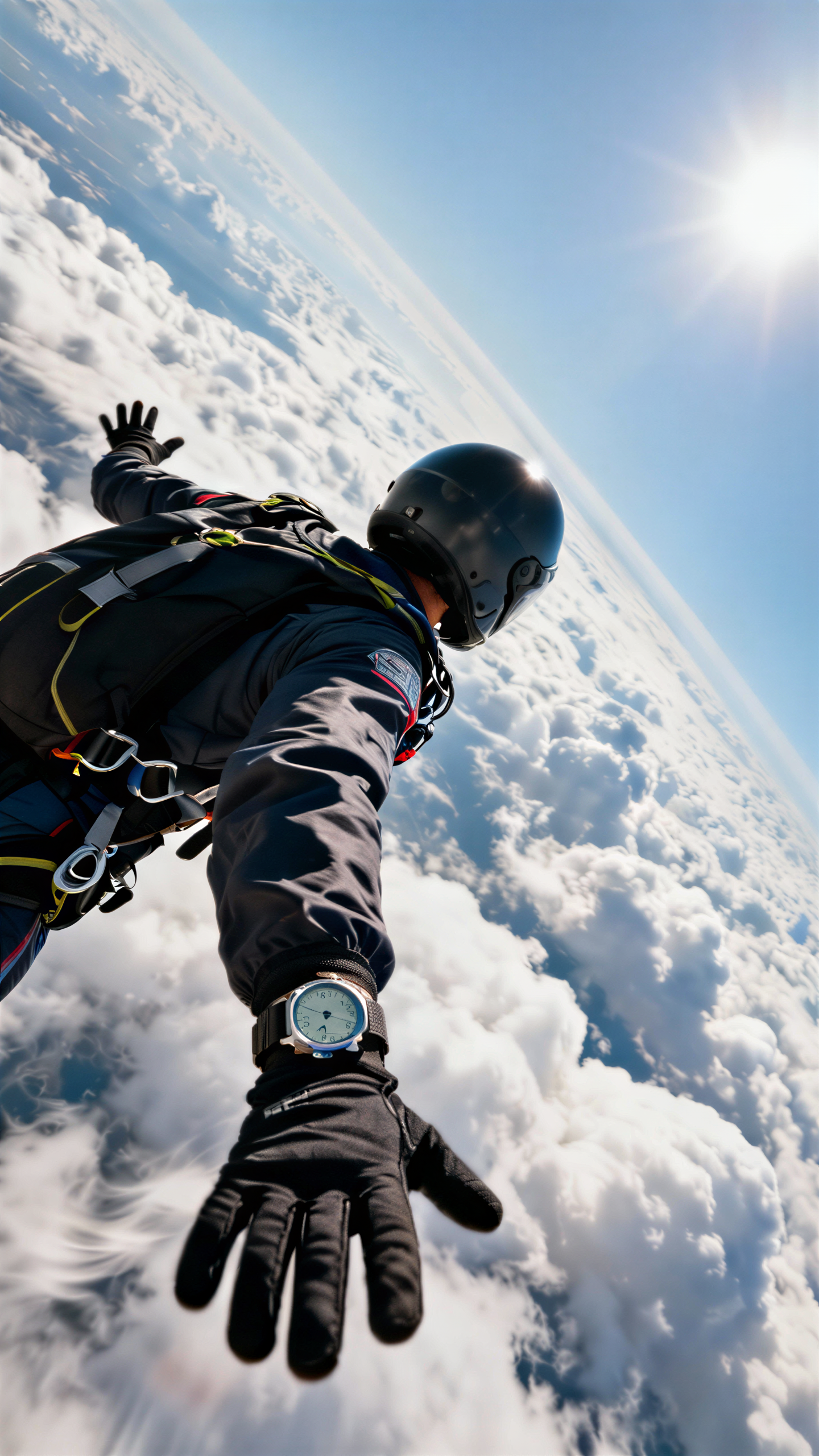
Text to Video - From Words to Cinematic Scenes
Describe your vision in text and let Sora 2 generate professional-quality videos with precise adherence to your instructions. Our text-to-video mode understands complex prompts including camera movements, lighting, actions, and artistic styles to create exactly what you envision.
"A dramatic Hollywood breakup scene at dusk on a quiet suburban street. A man and a woman in their 30s face each other, speaking softly but emotionally, lips syncing to breakup dialogue. Cinematic lighting, warm sunset tones, shallow depth of field, gentle breeze moving autumn leaves, realistic natural sound, no background music"
Sora 2 Features for Practical Video Creation
Use Sora 2 when you need quick AI video drafts with clear prompts, image references, and flexible output settings.
Text and Image Inputs
Start from a written prompt or upload an image to guide the first look of the clip. Sora 2 supports both workflows, so you can create from a script, product idea, scene concept, or existing visual.
Motion and Scene Control
Describe the subject, action, camera movement, lighting, and style in one prompt. Clear instructions help the model create clips that better match the intended scene.
Social-Ready Formats
Choose portrait or landscape output for feeds, shorts, ads, concept reels, and presentation drafts. Quality settings help balance generation speed and final detail.
Free Credits to Start
New users can claim free credits after sign up and test Sora 2 before committing to larger video workflows.
How to Generate Videos with Sora 2
Create a Sora 2 video in three focused steps.
Choose an Input
Use text-to-video for a prompt-only workflow, or image-to-video when you want a reference image to guide the subject, style, or composition.
Set the Video Details
Select aspect ratio, duration, and quality. Add specific details about motion, camera angle, mood, and visual style to reduce guesswork.
Generate and Download
Preview the result, refine the prompt if needed, then download the finished clip for social media, creative review, or campaign planning.
Sora 2 FAQ
Common questions about creating videos with Sora 2 on Bimg AI.
What is Sora 2?
Sora 2 is an AI video model for generating short videos from text prompts or reference images. On Bimg AI, it is presented as a creator-friendly workspace with practical settings for aspect ratio, duration, and quality.
Can I use Sora 2 for free?
New users can get free credits after signing up. Free credits are useful for testing prompts, comparing modes, and learning which settings fit your video style.
Does Sora 2 support image-to-video?
Yes. Upload a reference image and describe the motion or scene you want. The image helps guide the visual direction of the generated clip.
What should I include in a good prompt?
Mention the subject, action, setting, camera movement, style, lighting, and any important restrictions. Specific prompts usually produce more useful results than short generic prompts.
Which aspect ratios are supported?
The page supports common landscape and portrait formats, making it suitable for social posts, short videos, ads, and creative concept clips.
How long does generation take?
Generation time depends on duration, quality, queue status, and model load. Higher quality or longer clips usually take more time.
Can I use the videos commercially?
Commercial usage depends on your plan, source materials, and applicable content rules. Review the current terms before using generated assets in paid campaigns.
How do I improve a weak result?
Refine one variable at a time: clarify motion, simplify the scene, add camera direction, or use an image reference for stronger visual guidance.