


E-commerce product visuals
Upload product and model references, then use Nano Banana to create polished promotional images for listings, ads, and social campaigns while preserving important product details.
Create polished images with Nano Banana, Nano Banana Pro, and Nano Banana 2 for editing, text, resolution, and visual consistency.
Bimg AI also helps you enhance photos, remove backgrounds, explore prompts, and generate AI videos.
🎨 Start creating with Bimg AI at bimg.ai
Bimg AI supports Nano Banana, Nano Banana Pro, and Nano Banana 2 in one all-in-one AI platform
from 0+ happy users
Use advanced AI technology to transform your imagination into beautiful images
Sign up now to experience 4K resolution and Pro model - no credit card required

Use the Gemini model’s real-world knowledge and deep reasoning capabilities to deliver precise, detailed, rich image results. Annotate pictures, represent data as infographics, or turn handwritten notes into diagrams.

Sharp, legible text helps you create impactful posters, intricate diagrams, and detailed product mockups. Describe what type of font you want, or simulate different types of handwriting.

Precisely capture and transfer artistic styles—whether oil painting, watercolor, illustration, or photography—flawlessly replicate and apply to your creations.

Support up to 4K ultra-high resolution output with every detail crystal clear, meeting professional printing and commercial use requirements.
Get inspired and discover amazing AI image prompts for Nano Banana. One-click copy to start creating.
From product campaigns to storyboards and stickers, these examples show how Nano Banana fits into real creative workflows.
Upload product and model references, then use Nano Banana to create polished promotional images for listings, ads, and social campaigns while preserving important product details.

Start from one frame, build consistent follow-up shots, refine each scene with text prompts, and prepare the sequence for image-to-video generation in Bimg AI.

Turn a character idea, reference image, or simple prompt into expressive sticker-style assets with clean details, bold colors, and reusable visual consistency.
Use Nano Banana in Bimg AI to change backgrounds, lighting, colors, and objects while keeping the original subject and composition coherent.


Place the subject in a snowy winter landscape
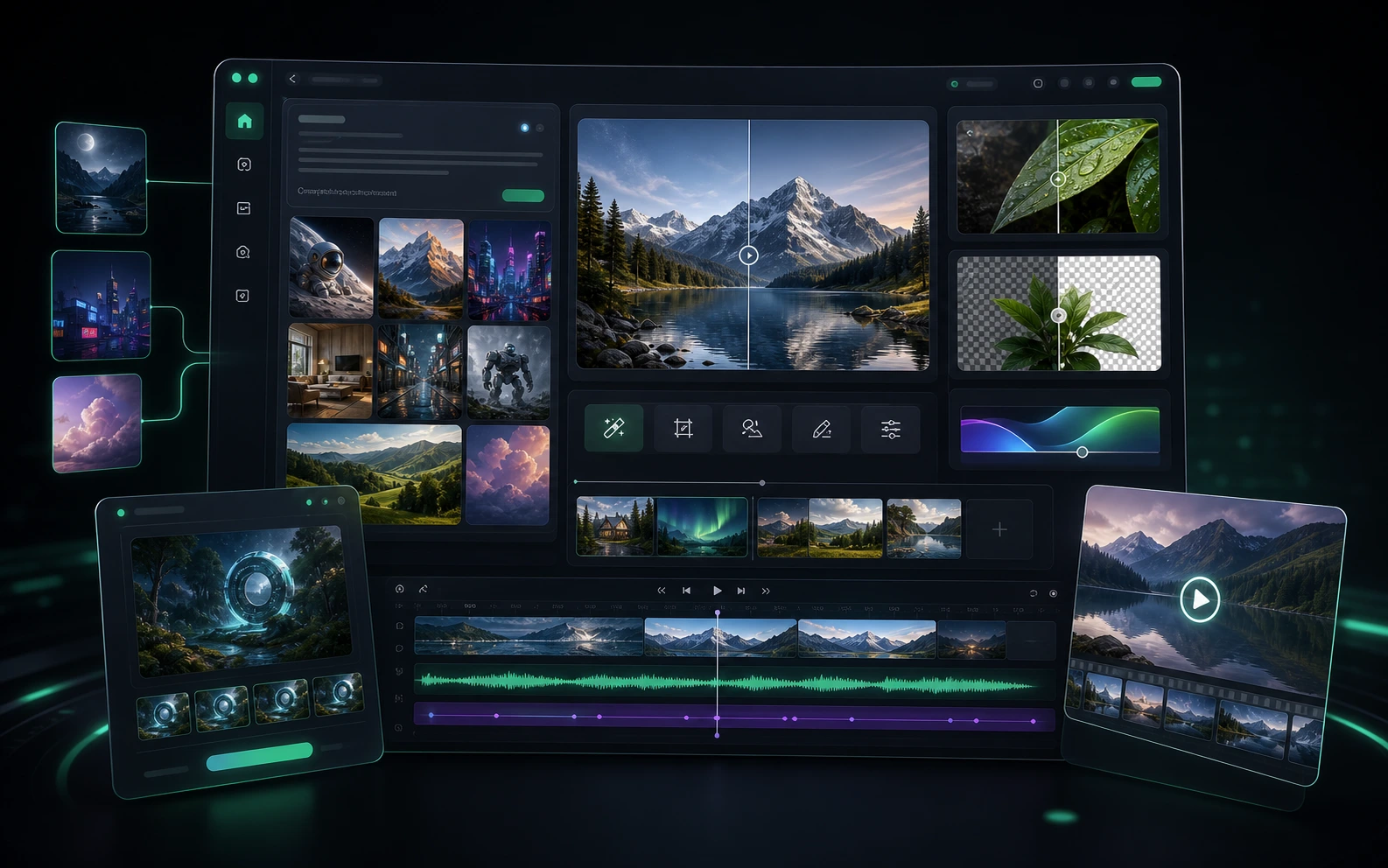
Bimg AI is an all-in-one AI creative platform built around Nano Banana, Nano Banana Pro, and Nano Banana 2. Use bimg.ai to generate images, edit photos with natural prompts, upscale low-resolution visuals, restore old photos, remove backgrounds, sharpen blurry images, explore Banana Prompts, and create videos with leading AI video models.
Edit images with text and reference images using Nano Banana. Preserve characters, products, styles, and scenes while making precise local changes.
Move from generation to enhancement in one workspace with AI image upscaling, background removal, old photo restoration, unblur workflows, and prompt inspiration.
Extend still-image ideas into motion with AI video models such as Veo 3.1, Sora 2, Seedance 2.0, Kling 3, Wan 2.6, and more.
Bimg AI keeps Nano Banana at the center while giving creators a broader platform for images, tools, prompts, and video generation.
Start with Nano Banana for fast image generation and editing, then move into Nano Banana Pro or Nano Banana 2 when you need sharper text, stronger reasoning, and production-quality output.
Bimg AI combines everyday image workflows in one place: edit photos, remove backgrounds, upscale assets, restore old images, unblur photos, and reuse successful prompts.
When your project needs motion, Bimg AI connects image creation with AI video generation across Veo, Sora, Seedance, Kling, Wan, and other creative video models.
Use Bimg AI as a complete creative workflow for Nano Banana images and AI video generation:
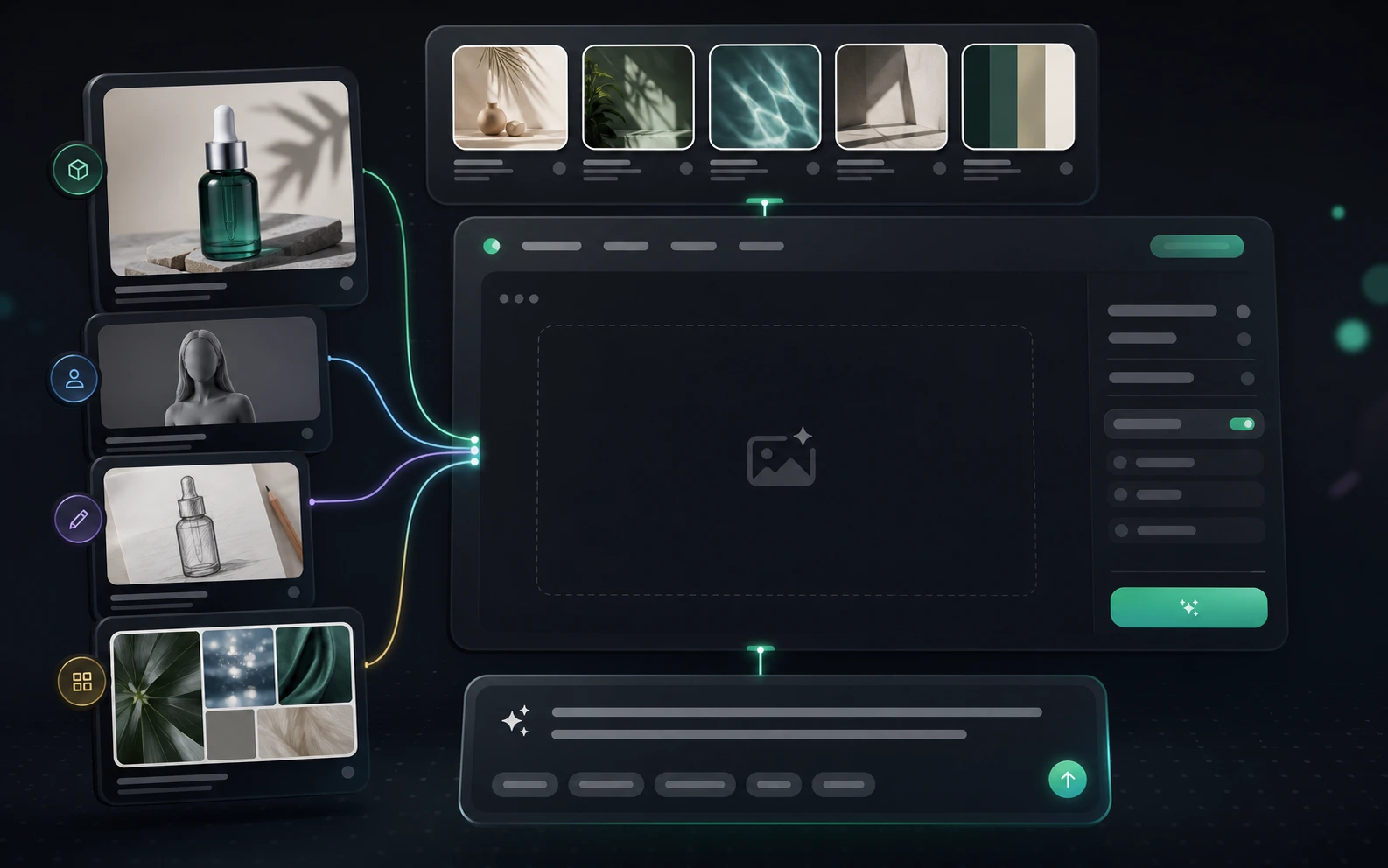
A complete AI creative platform for Nano Banana image editing, production-ready image tools, and AI video generation.
Create and edit images with Nano Banana using text prompts, image references, character consistency, scene preservation, and local editing.
Use advanced Nano Banana models for clearer text rendering, multilingual visuals, higher-resolution output, and more controlled brand assets.
Generate campaign visuals, product mockups, social posts, concept art, thumbnails, and design drafts from simple or detailed prompts.
Improve existing images with AI upscaling, background removal, old photo restoration, image unblur, and practical cleanup workflows.
Explore reusable Nano Banana prompts and image examples to speed up ideation, learn prompt patterns, and reproduce strong visual styles.
Create videos with models including Veo 3.1, Sora 2, Seedance 2.0, Kling 3, Wan 2.6, and Happy Horse for motion, ads, and storytelling.
for Nano Banana image editing, all-in-one creative tools, and AI video generation.
Bimg AI Users
10K+
Creators
Creative Tools
20+
AI Workflows
Model Coverage
10+
Image & Video Models
Choose a subscription or credit pack for Nano Banana image editing, Nano Banana Pro/2, enhancement tools, and AI video models.
Cancel anytime
Best for testing Nano Banana, image tools, and light creative projects.
What's included
Good for exploring Bimg AI image and video workflows.
Best for creators who need more Nano Banana Pro, 4K output, and AI video generation.
Everything in Starter
Best value for Nano Banana Pro and AI video generation.
Best for teams and agencies with high-volume image and video workflows.
Everything in Pro
Built for teams and high-volume Bimg AI workflows.
For any questions about payment, contact our support team:Contact Us
Hear from artists, designers, marketers, and video creators who use Bimg AI for Nano Banana workflows and broader AI creation.
Sarah Chen
Digital Artist & Illustrator
Bimg AI made Nano Banana part of my daily workflow. I can keep characters consistent, edit scenes quickly, and move from idea to finished visual much faster.
Michael Rodriguez
Content Creator & Influencer
I use Bimg AI for Nano Banana edits, prompt inspiration, and quick image variations. It keeps my social visuals consistent without slowing down production.
Emily Watson
Creative Director at PixelStudio
Our team uses Bimg AI for campaign images, background removal, upscaling, and Nano Banana Pro concepts. It keeps the whole creative process in one place.
Alex Kim
Freelance Designer
Bimg AI gives me the speed of Nano Banana plus the extra tools I need after generation. I can edit, polish, and export client-ready assets in one flow.
Lisa Thompson
Marketing Agency Owner
Bimg AI helps us create ads, product visuals, localized graphics, and short video concepts faster. Nano Banana Pro is especially useful for brand work.
David Park
Film Pre-Visualization Artist
I start with Nano Banana images on Bimg AI, then test motion ideas with AI video models. It is a practical bridge from storyboard to video concept.
Learn how Bimg AI combines Nano Banana, Nano Banana Pro, Nano Banana 2, AI image tools, and AI video generation.
Bimg AI is an all-in-one AI creative platform at bimg.ai. It brings together Nano Banana image editing, Nano Banana Pro, Nano Banana 2, AI image generation, upscaling, restoration, background removal, prompt inspiration, and AI video generation.
Nano Banana is the core AI image editor inside Bimg AI. You can generate images, edit existing photos, preserve characters and products, transform scenes, and iterate with natural language prompts.
Nano Banana is optimized for fast creative generation and editing. Nano Banana Pro, also known as Nano Banana 2, focuses on stronger text rendering, higher-resolution output, multilingual visuals, brand consistency, and more advanced creative control.
Bimg AI includes Nano Banana image editing, AI image generation, AI image upscaling, AI background removal, old photo restoration, image unblur, Banana Prompts, and additional image models such as GPT Image 2, Seedream, Flux, and Z-Image.
Yes. Bimg AI also provides access to AI video workflows and models including Veo 3.1, Sora 2, Seedance 2.0, Kling 3, Wan 2.6, Happy Horse, and more, so creators can move from still images to motion.
Yes. Bimg AI is built so new users can start creating with free credits, test Nano Banana image editing, explore prompt examples, and upgrade when they need more generation volume or advanced models.
Use bimg.ai to generate images, edit with Nano Banana, enhance photos, remove backgrounds, restore images, and create AI videos from one platform.